
We built a mascot that flies across your screen a few minutes before a meeting. We're giving it away free, with the source code.
We built a mascot that flies across your screen a few minutes before a meeting. We're giving it away free, with the source code. This part is about everything that had to be done between “it works for me” and “I can put it on strangers' computers”.
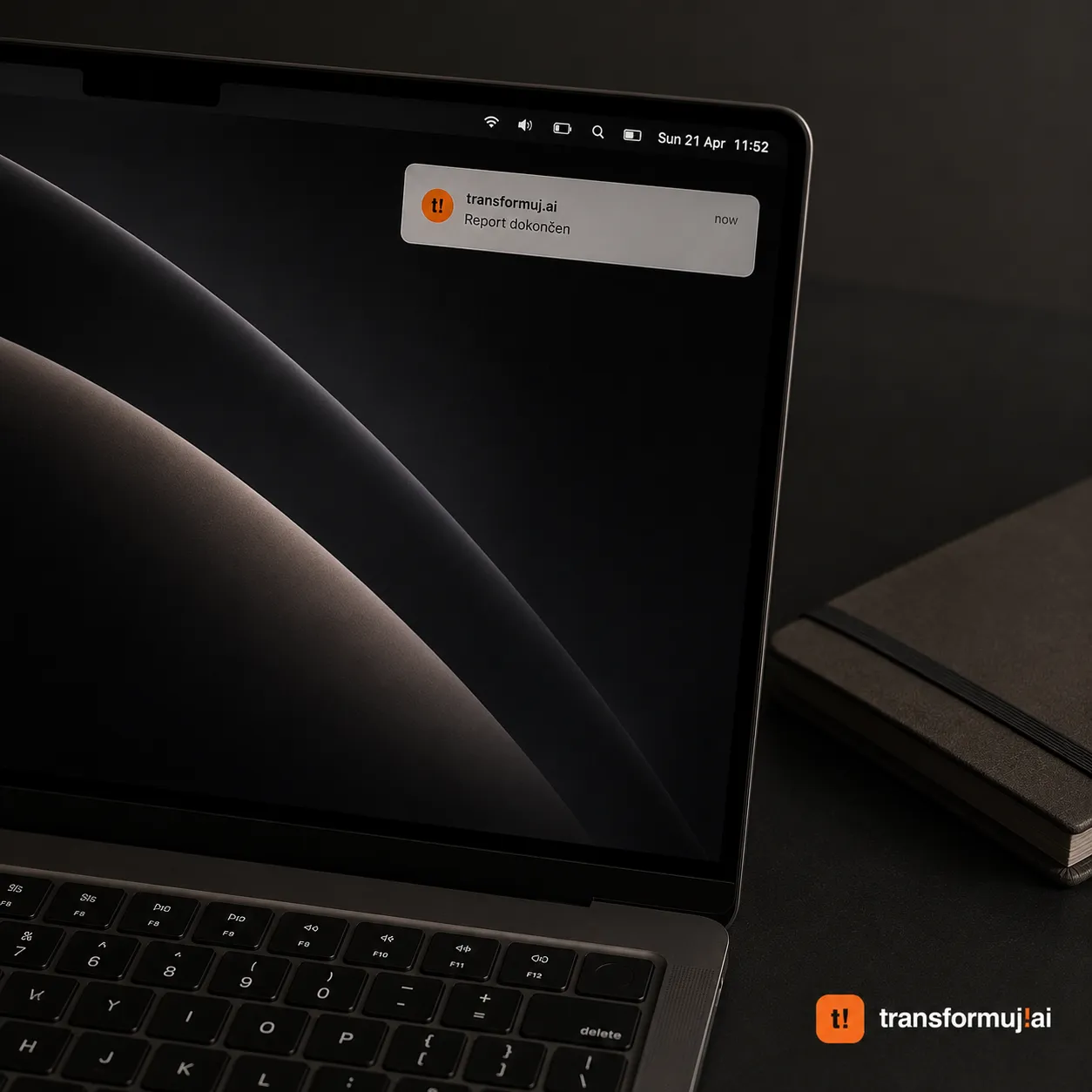
Before I start, one thing up front. We really like AI and vibe coding, not as a marketing phrase. We work with AI every day, it does seventy to eighty percent of our work. We have thousands and thousands of hours behind us across models, plenty of blind alleys and hundreds of thousands of euros spent just on testing, trying, experiments and mistakes. We paid for them so our clients wouldn't have to.
So this article isn't about vibe coding being a bad idea. It's exactly the opposite. We show it publicly because we want you to see how much hides behind one simple app. That speed is a real advantage, not an illusion. It just carries a responsibility that is rarely talked about in the excitement.
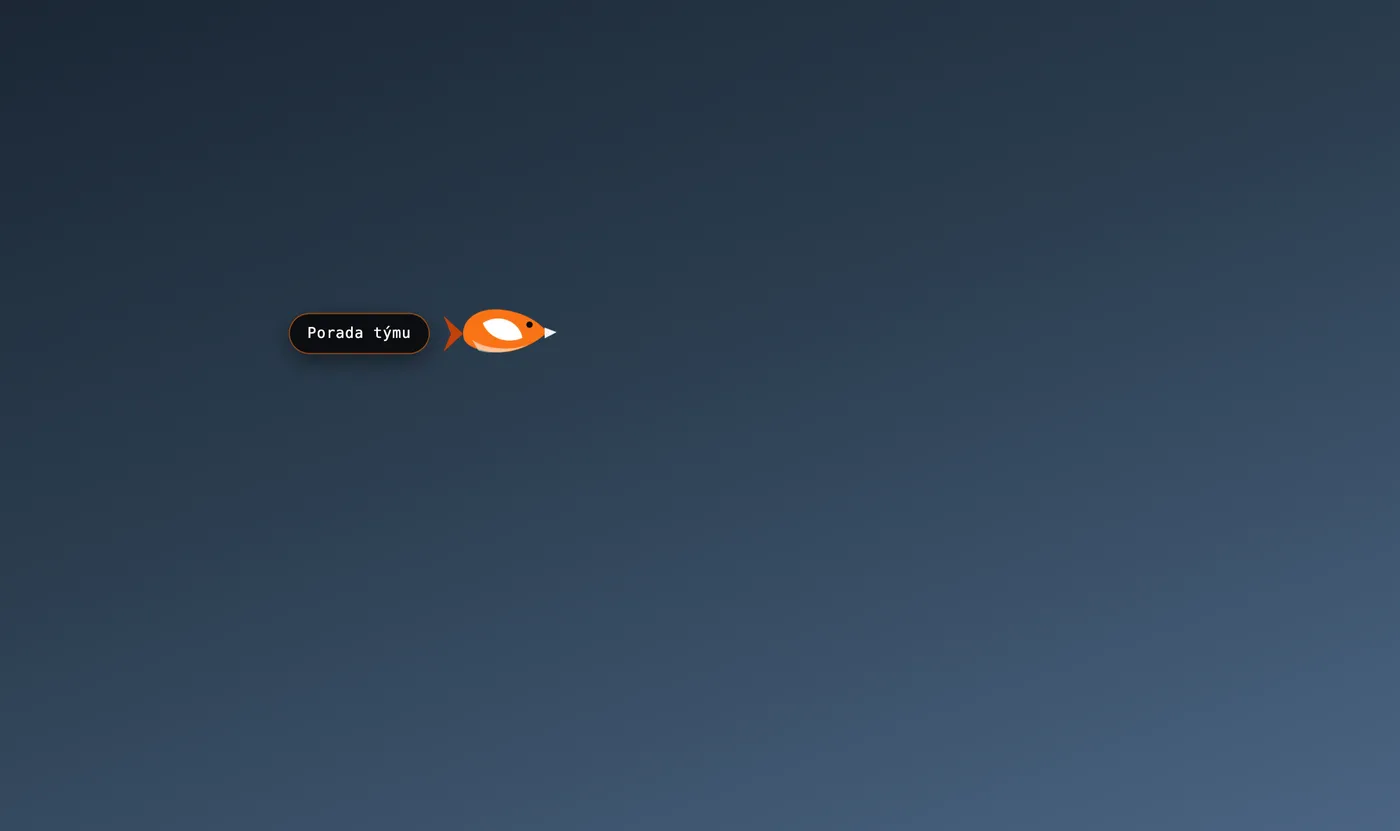
For this demonstration we deliberately chose software, an app that is installed on your computer. Not a website, not a web app. The showcases of AI miracles you see on social media are almost always websites. It's the most rewarding discipline for showing off, because when a demo website doesn't work, nothing breaks for the user, they just close the tab. Software on somebody else's computer is a different league.
I also write about this because over the years I've burned my fingers more times than I'd like to count. At seventeen I had an idea for a personal project. On a recommendation I hired a development company and a designer. They promised, they didn't deliver. It ended ten thousand euros in the red. It was all the money I had saved since childhood. Only a third of what they promised was finished. And that is exactly why in this article I show the invisible work so openly.
First, the app
A notification on macOS is polite, discreet and perfectly easy to overlook. The bubble slides out in the corner, disappears after a few seconds, and you find out they've been waiting for you on the call for twelve minutes.
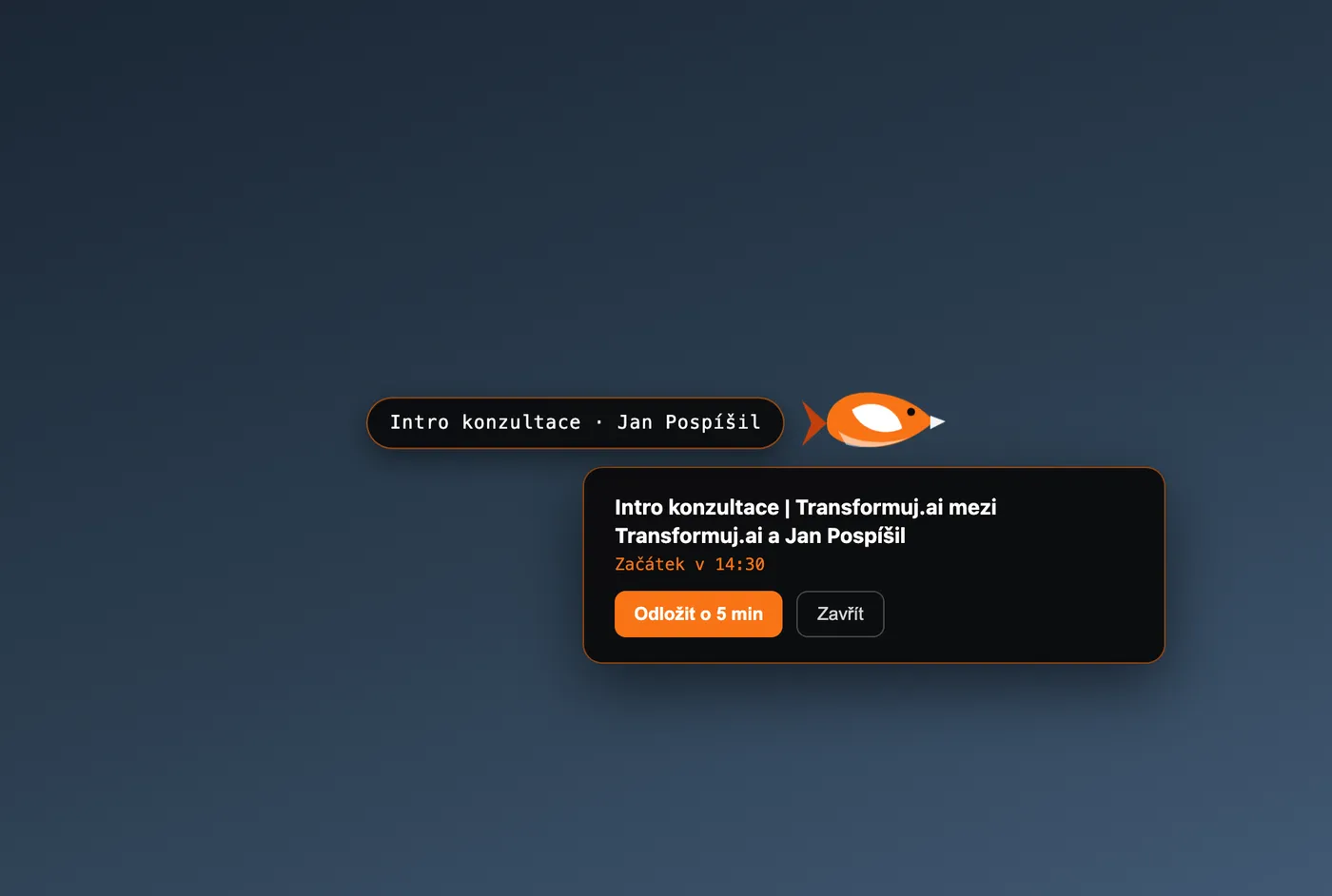
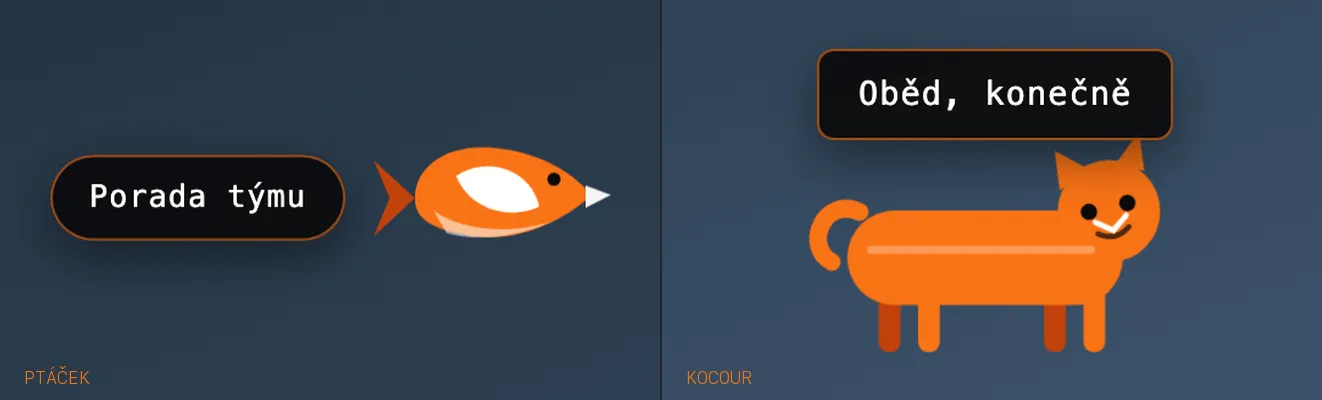
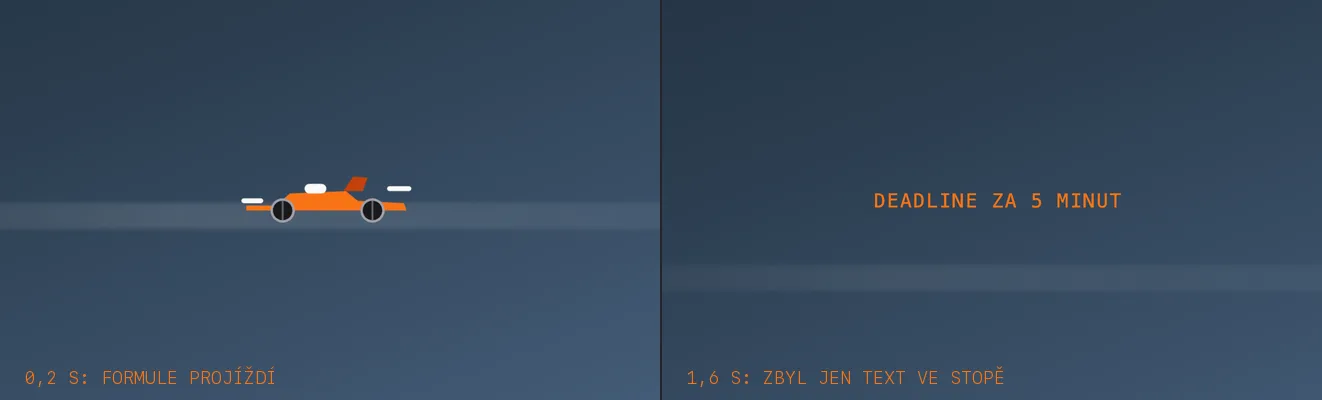
Ptáček solves exactly this. A few minutes before a meeting a mascot with the name of the meeting flies across your screen. Over all windows, even over a full-screen presentation. After a few seconds it disappears on its own.
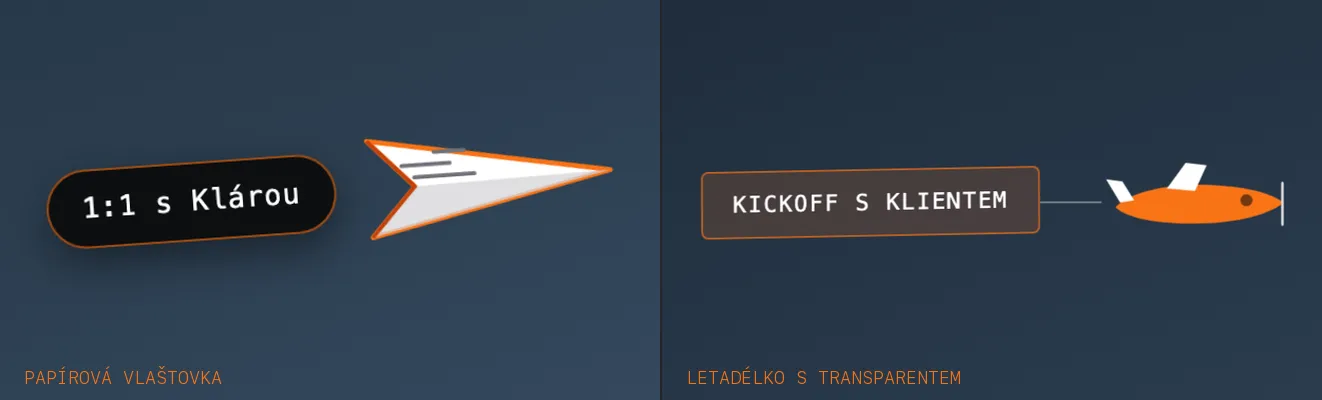
The app was done in half a day. The rest of two days went to security
The working version, meaning the mascot, calendar, scheduler and settings, was done in half a day. If I had thrown the app onto the internet then, it would have looked from the outside exactly the same as today. But before it could go out, it had to pass the check of a second, independent AI whose only job was to look for holes in what the first model had built. And above both models there was still a manual check, because the last word belongs to a person. That check and the fixes took a day and a half.
We inherited someone else's update channel
We didn't build the app from scratch, we started from an open project. It had automatic updates built in that pointed at another author's repository. Had that stayed there, it would have meant our users could one day download code we had never seen. This is exactly the type of thing AI doesn't mention when generating code, because nobody asked it to.

The meeting title is untrusted input
It sounds absurd: why would the title of your own meeting be dangerous? Because someone can send an invitation into your calendar and write the title themselves. So the title is never inserted into the page as code, only as text.
The calendar address is a password
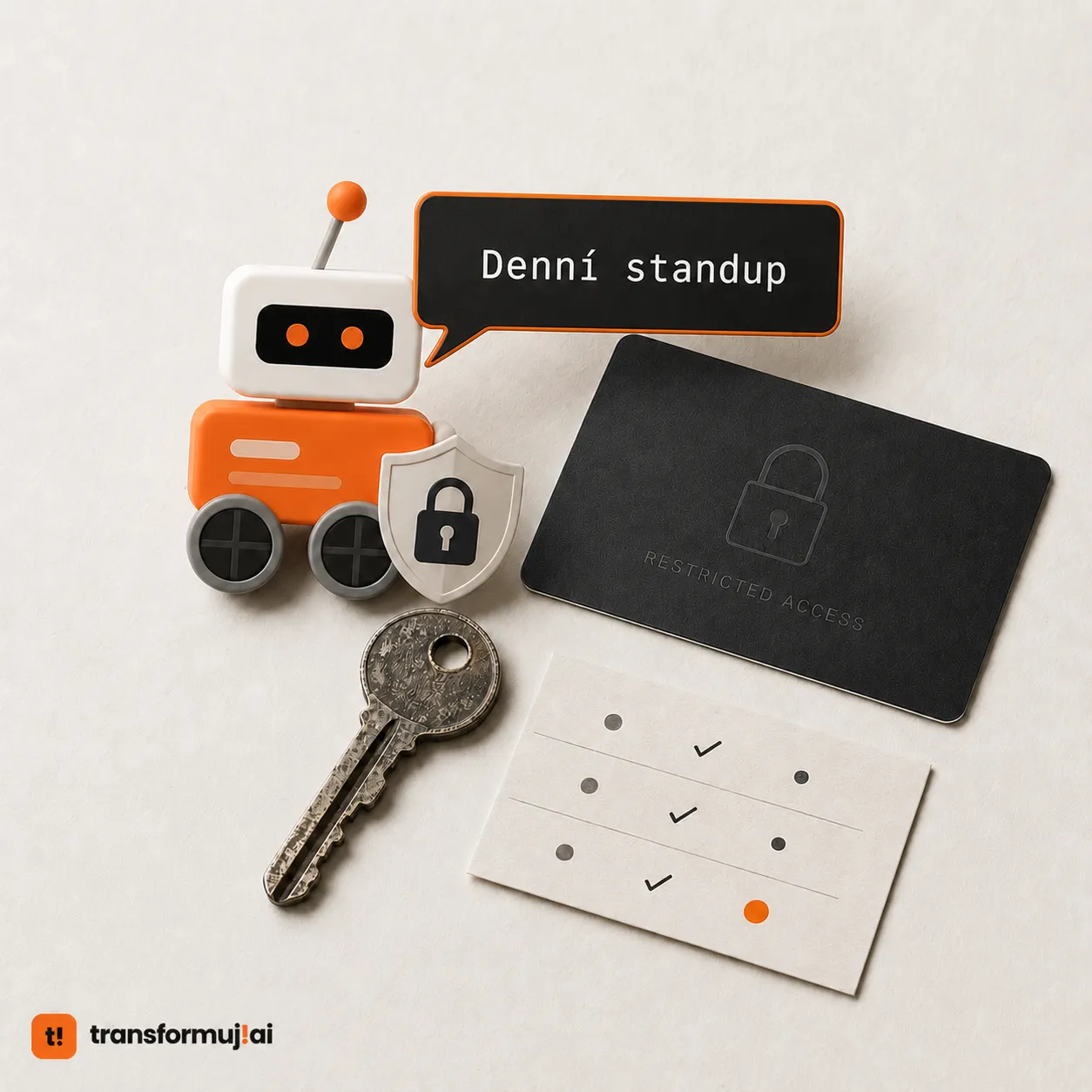
That address is effectively a key: whoever has it can see when you have meetings. That's why it isn't kept in a config file but in the system Keychain, that is, where the Mac keeps your passwords. And it is never written to the log.
And then a hundred small things
What to do when a meeting is cancelled a minute before the fly-by. What if someone moves it. What if the computer wakes from sleep and five missed alerts are waiting in it at once.
None of it is interesting. The user notices all of it when you don't do it.
Work you can't see
An accent in the name broke the app's signature. Because the file was called Ptáček, the system signing tool sealed the main program as an attachment and the signature stopped being valid.
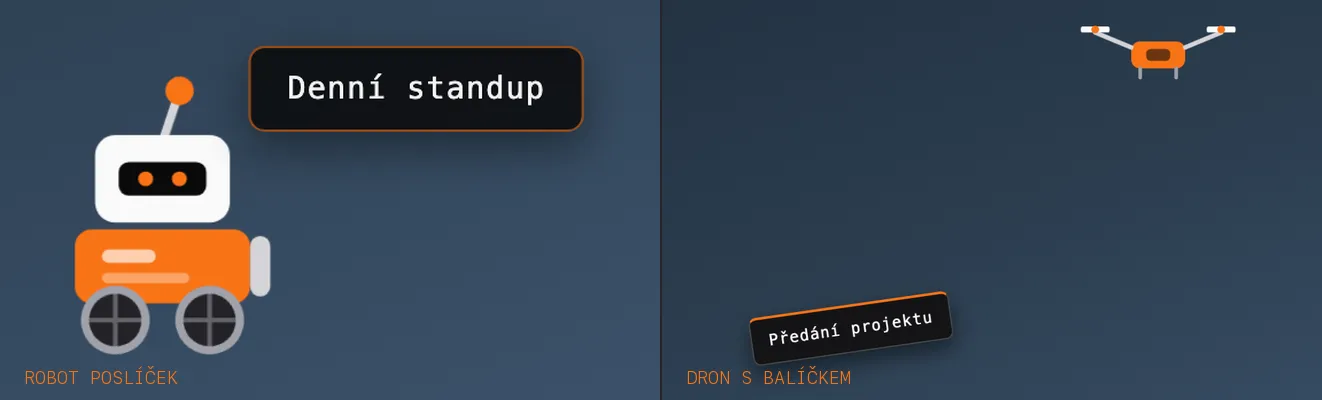
macOS can launch an app from a temporary location. The app looks like it works, but it doesn't remember the settings or the calendar permission.
Dragging it to the bin leaves a mess behind. Settings, launch at login, the address in the Keychain. So there is an Uninstall button in the settings that cleans it up. It's the only thing in the whole app that deletes anything, so it has its own tests to make sure it deletes nothing else.
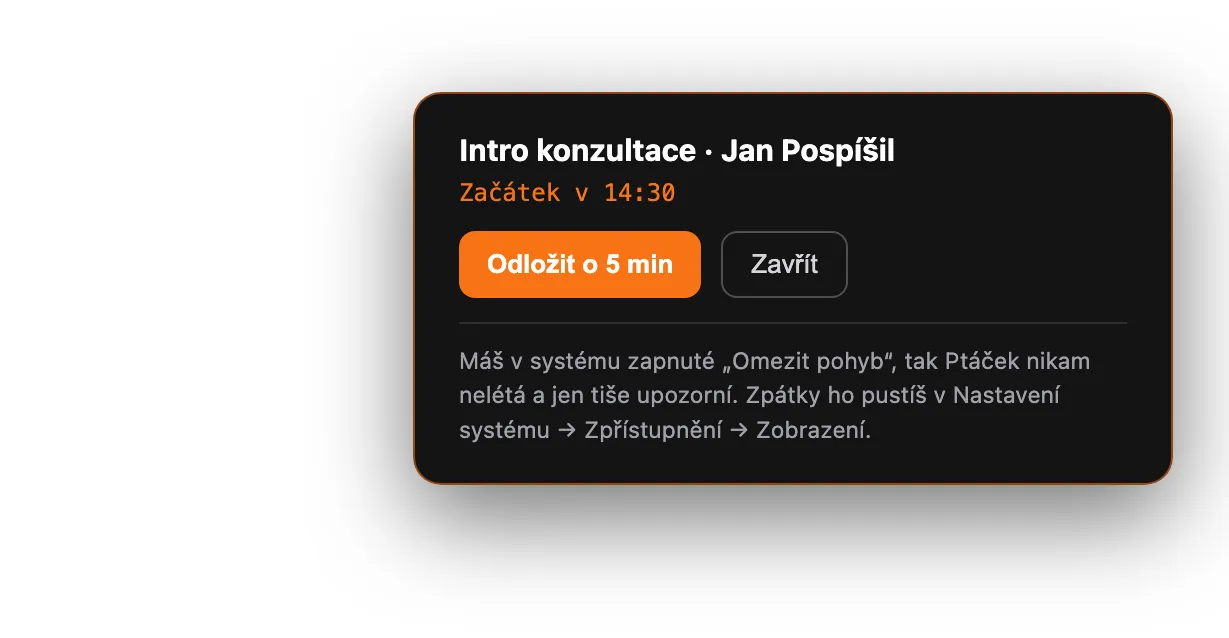
Silence instead of an error
The app was released, tests were green, the signature was valid. It looked done. Then the first real user started using the app and in a single night two things showed up that no test had seen.
The release version couldn't read the calendar. Behind it all was one line in the app's signature. Without it the system silently rejects the request. No dialog, no error message, just silence.
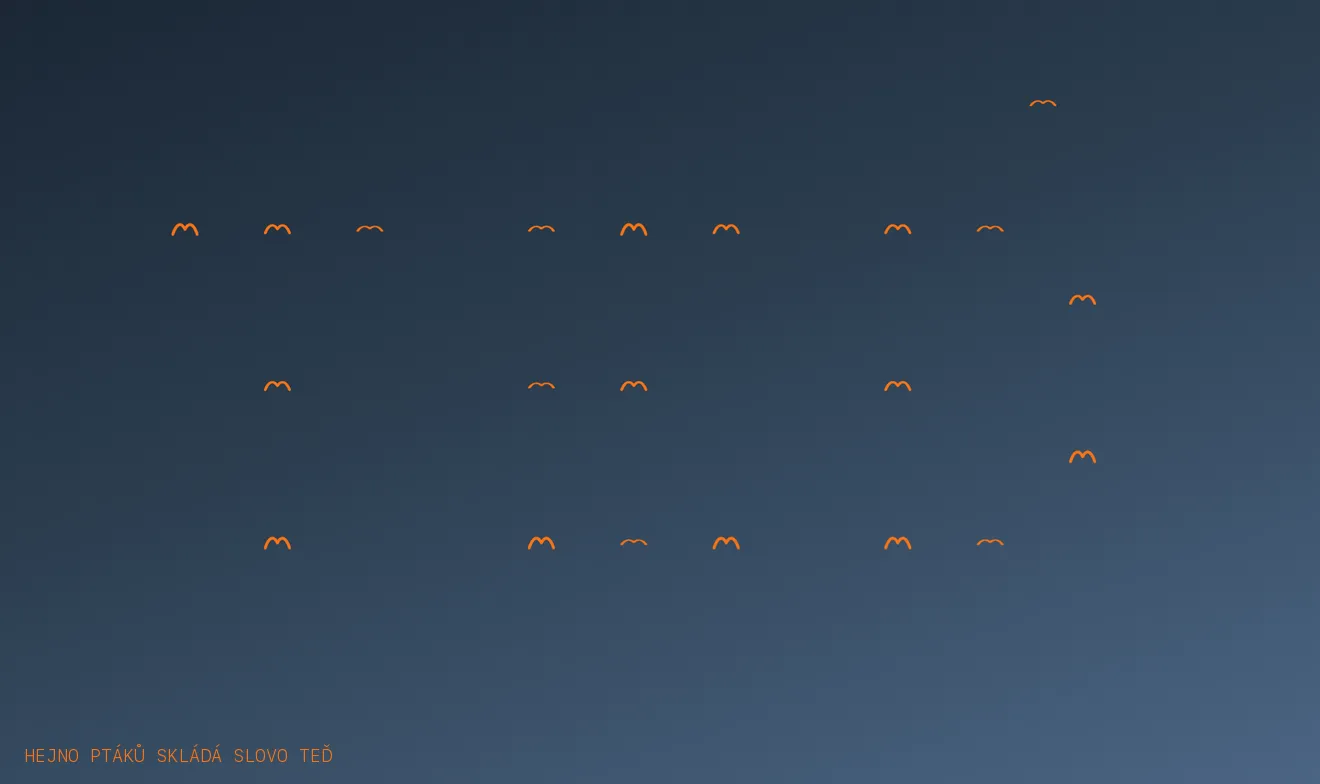
The mascots started disappearing mid-flight. The safeguard didn't distinguish whose window it was guarding. It was a bug that had been there from the start, it just didn't show until the flying got dense.
The result of one night: three releases in a row, tests from eighteen to fifty-two, and the user saw not a single new feature. This is exactly the work you can't see.
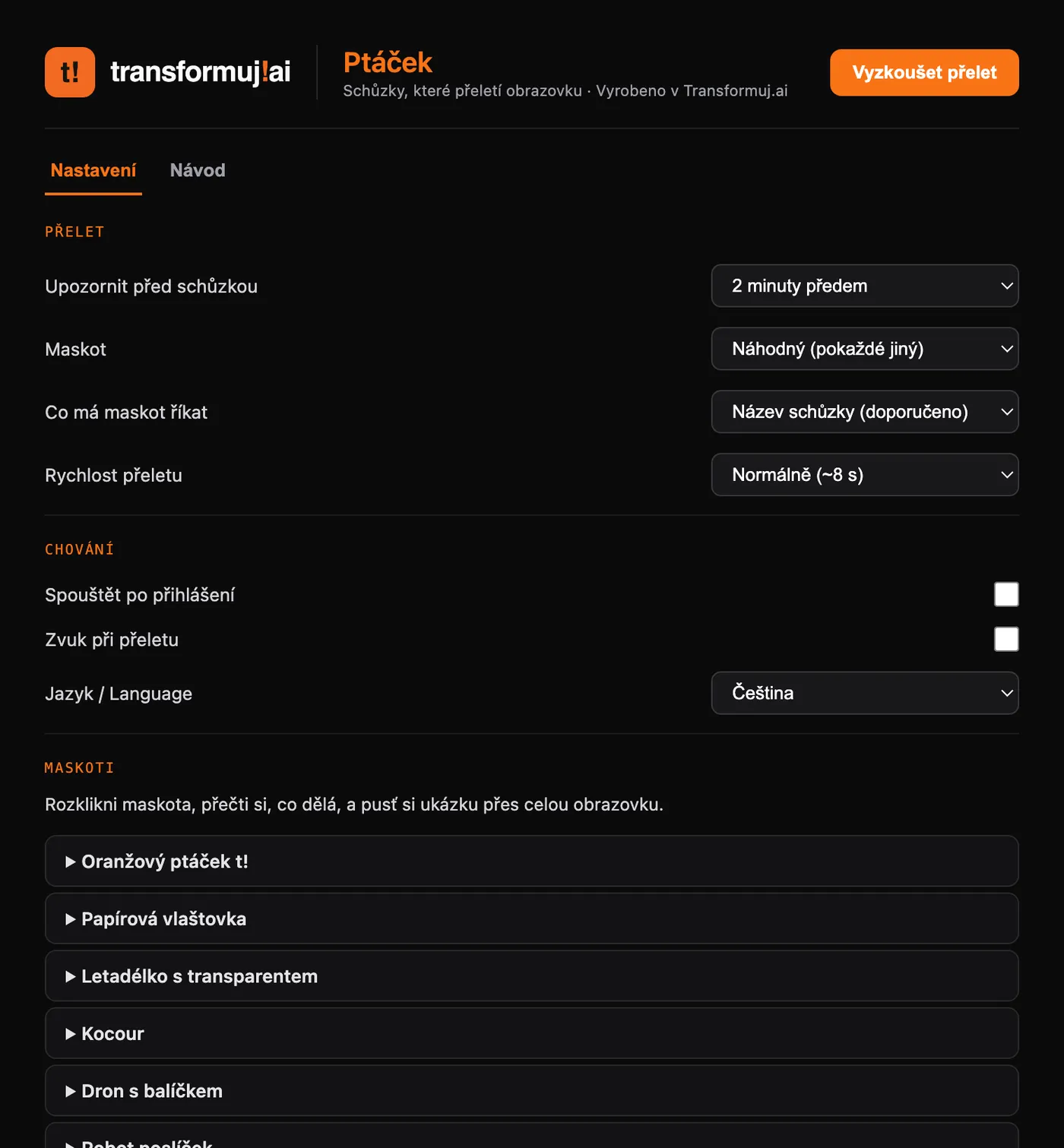
AI is a turbo, not an autopilot
It speeds up the first version of an app to half a day, but it doesn't decide for you what is an acceptable risk and what isn't. That decision stays with a person, always.
The article was first published on LinkedIn. Original article on LinkedIn